
Verifying Mobile Casino Safety
Top Mobile Casino Platforms Compared
Selecting a mobile betting interface requires weighing the convenience of a native application against the flexibility of a browser. Operators typically maintain identical odds and market depth across both channels, so the decision rests on interaction design instead of available events. A browser session avoids storage consumption and update cycles, which suits occasional users who prioritise device hygiene over speed. Conversely, installing an app reduces navigation steps and enables push notifications for live markets or settlement alerts, benefits that justify the download for frequent bettors.
| Brand | Details |
|---|---|
| evolutiongaming | All Evolution live games are HTML5-based and fully optimised for mobile play on iOS and Android devices without requiring app downloads. |
| fluffyfavourites | Fully responsive mobile website with no dedicated app download required |
| birthday | Birthday offers a dedicated iOS app available on the App Store, with Android users accessing services via a responsive mobile browser. |
| ways | Fully responsive mobile website for iOS and Android with no dedicated app required |
| spinchester | Fully optimised mobile browser site with optional home screen shortcut for full-screen access |
On older devices or those with constrained memory, a lightweight mobile site may load faster and consume less data than a resource-heavy native app.
evolutiongaming: Mobile access
All Evolution live games are HTML5-based and fully optimised for mobile play on iOS and Android devices without requiring app downloads.
fluffyfavourites: Fluffy Favourites mobile website
Fluffy Favourites works through a fully responsive mobile website, so no dedicated app download is required before play begins. The layout adjusts to smaller screens on iOS and Android devices, allowing access to the same games and account functions available on desktop. Because everything runs in a mobile browser, storage space on the handset is not consumed by installation. The experience depends on a stable internet connection, and performance slows when signal strength drops.
birthday: Mobile access
Birthday offers a dedicated iOS app available on the App Store, with Android users accessing services via a responsive mobile browser.
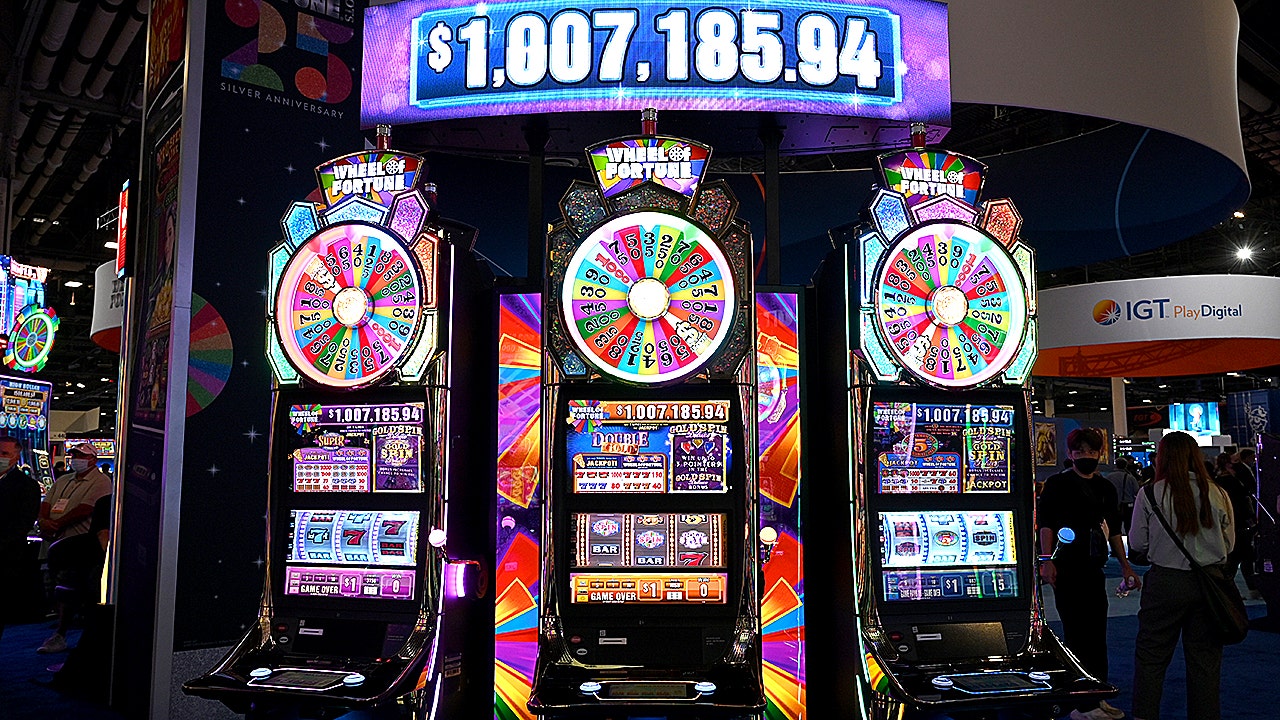
Ways Casino mobile browser access without an app
Ways Casino opens directly in a mobile browser on iOS and Android, so there is no app to install before players can play. The responsive layout adjusts to smaller screens, and every section of the desktop site remains available without a separate download. Because no native application exists, storage space on the phone is not used, but a stable internet connection is required to keep the interface responsive.
Spinchester mobile browser access and home screen shortcut
Spinchester runs in a mobile browser without asking the user to download a dedicated app. The interface is optimised for smaller screens, and players can add a home screen shortcut to open the site in full-screen mode. This shortcut removes the browser address bar, though the underlying connection still depends on the mobile network or Wi-Fi signal strength.
Native Apps versus Instant Play
What a download actually gives you
A native casino app is software installed on the phone, so the game files, session state and often some graphics sit on the device. Instant play runs the same games inside the mobile browser, streamed from the casino’s servers with nothing stored locally. That single difference drives most of the other trade-offs: a small package that has been installed once can open faster on a later visit, while a browser tab depends on the connection and on how much the page tries to load.
Check the obvious physical constraint first. A download asks for storage and, on Android, usually a permission to install software from outside the store — the side-loaded package file route. iOS users cannot install a casino package that way; the practical choice on an iPhone is a browser, a home-screen shortcut, or an app delivered through Apple’s own store if it exists. Installation also ties the experience to one phone: switching devices means installing again, whereas a browser session follows the account and not the handset.
Where each route costs you something
The claim about speed comes up constantly, and it depends on circumstances. A downloaded app can hold some assets locally, so a returning player may see fewer loading screens on a weak signal. A browser version has to fetch more each time, and a heavy page over poor mobile data will stall. Yet the app must be updated when the casino changes it, and an old version can misbehave until the store or the package is refreshed. The browser always serves the current page. Neither route is uniformly quick.
Access to the full library is the criterion people skip. Instant play generally exposes the whole catalogue on the site, because there is no separate build to maintain. A native app may carry a trimmed selection, or add games later than the web version. If you care about a specific slot or a live dealer table, confirm it appears in the format you intend to use. Hypothetically, if a site lists 800 titles but its app ships 300, the download looks convenient and quietly narrows what you can play.
Features differ too, and this is where a shortcut misleads. Screen size, orientation and text input on a browser can make cashier forms or chat fiddly. A native shell can handle notifications, biometric login and smoother touch controls if the casino has built them. Those extras are improvements to the interface, not a guarantee about payouts, game fairness or account handling, which rest with the operator and its licence regardless of how you open it.
How to decide for your own phone
Start from the device and the connection you actually use. Someone on a recent handset with reliable Wi-Fi and a handful of regular games will find either route comfortable; the app’s speed edge shows up mainly on flaky mobile data. Someone with limited storage, or who switches between phone and tablet, gets more from the browser and a saved shortcut.
Treat a downloadable package as software from an unfamiliar source. Sideloaded files bypass the review that an store performs, so the origin of the file matters more than the installer’s wording. A casino’s own site is the place the package should come from, and a mirror or a message-board link is a reason to stop. This is a question about supply chain, not about the casino’s honesty in general.
Fruity chance casino
Casino guru access limits no login portal for players
The decision often settles into this shape: pick the download when offline resilience, notifications and frequent use on one device justify the install; pick instant play when you want the complete game list, no storage commitment and one fewer thing to update. Both lead to the same account, the same balance and the same withdrawal rules.
Verifying Mobile Casino Safety
A licence number printed at the foot of a mobile page is easy to fabricate and easy to misread, which is why the check that matters is the reverse lookup: start from the regulator’s list and work back to the site on your screen, never the other way round. Done that way, the exercise takes a couple of minutes and produces something a badge cannot, a match between an authorised entity and the exact address you are using.
-
Find the regulator named in the site’s footer and open its public register before players tap anything else. In the UK that means the Gambling Commission’s licence register, which lets you search by trading name, company name or licence number. Enter the company name from the footer’s small print, not the brand name from the logo, because operators often trade under a parent company that holds the licence. If nothing matches, the footer claim has failed its first test.
-
Compare the register entry’s domain details with the address in your phone’s browser bar. Read the full string, including the part before the main domain, and check for characters swapped or added to mimic the real name. A shortcut saved to your home screen can point anywhere; open the site from a fresh address you typed or copied from the register result. When the register lists the brand but the address differs, you are looking at a different operation wearing the same name.
-
Check what the licence actually covers and its current status. Registers show the activities authorised and whether the licence is active, suspended or revoked, plus relevant dates. A company licensed for remote gambling in Great Britain is a different fact from a company licensed elsewhere and merely accepting UK players. Read the status line, not just the presence of a number.
-
For an installed app, verify the publisher before signing in. Store listings name a developer, and that name should connect to the licensed company through the operator’s own published information. An app published by an unfamiliar developer, or one whose listing links to no licensed domain, has no verifiable link to the licence you found.
-
Repeat the check whenever the route to the site changes: a new phone, a reinstalled app, a link from an email or a text message. Each new entry point is a fresh opportunity for a lookalike to intercept you.
What the check cannot do is tell you whether the games are fair, how quickly a withdrawal will be processed or whether a bonus is worth taking. Those depend on the operator’s terms, its payment arrangements and your own reading of them. A licence establishes authorisation and regulatory oversight, nothing more specific. Treat a verified register entry as the floor, not the ceiling.
The interface itself will keep moving. Browser-based play can refresh its content live, and an app updates through its store or its own update channel, so the layout and menus you memorised may shift between sessions. None of that changes the register entry, which is why the register is the sensible anchor for a safety check. Verification is a repeatable action tied to an external list, not a one-off impression formed from how trustworthy a home screen feels.
Evolution Gaming operates as a B2B provider, so no account registration exists for UK players. The company supplies live casino technology to licensed gambling operators instead of running its own consumer-facing site. Anyone wanting to play must sign up through a partner casino that hosts Evolution’s live tables. This structural distinction means account management happens entirely on the partner platform, not with Evolution Gaming directly. UK players cannot create, fund or close an account with Evolution Gaming itself, which removes any direct mobile account option for this provider. The limitation is absolute: there is no standalone app, website or mobile login operated by Evolution for end customers.
Mobile Payment Options
Payment speed on a mobile casino depends less on the app itself and more on the method you choose. Debit cards remain the most common route for instant deposits, while e-wallets often process withdrawals faster because they skip the card network’s settlement delays. Bank transfers are reliable but slow, typically taking two to three working days to appear in your account.
Card versus E-Wallet Efficiency
Visa and Mastercard debit cards are accepted by nearly every UK-licensed operator. Deposits clear immediately, allowing you to start playing within seconds of confirming the transaction. Withdrawals back to these cards follow a different timeline. The casino must approve the request first, which can take up to 24 hours. After approval, the bank needs another one to three working days to process the funds. This two-stage delay is standard across the industry, not a fault of the specific site.
E-wallets like PayPal, Skrill and Neteller offer a distinct advantage for players who want quicker access to their winnings. Once the casino approves the withdrawal, the money usually hits the wallet instantly. You can then transfer it to your bank or spend it directly if the merchant accepts that wallet. Some operators exclude e-wallet deposits from welcome bonuses, so check the terms before making your first deposit into the account.
Prepaid Options and Privacy Controls
Prepaid vouchers provide a way to manage spending without linking a bank account or card number to the casino. You buy a voucher with a fixed value at a supermarket or newsagent, then enter the code during the deposit process. This method stops you from accidentally overspending, as you cannot deposit more than the voucher’s balance. However, you generally cannot withdraw funds back to a prepaid voucher. If you win, you will need to verify a different payment method, such as a bank account or e-wallet, to receive your payout.
Pay-by-Mobile-Bill allows you to add small amounts to your phone bill or deduct them from your prepay credit. This is convenient for quick, low-value deposits. Limits are usually capped at £30 per day, making it unsuitable for high rollers. Withdrawals are never possible via this method; it is strictly for funding your account.
Verification Requirements for Payouts
All legitimate UK casinos require identity verification before releasing any withdrawal. This is a legal obligation under anti-money laundering regulations, not an optional step chosen by the operator. You will typically need to upload a photo ID and proof of address, such as a utility bill dated within the last three months.
Some sites also ask for a copy of the front of your payment card to confirm ownership. If you used an e-wallet, they may request a screenshot showing your name and email address associated with that account. Completing this verification early, ideally right after registration, prevents delays when you eventually request a payout. Without verified documents, your withdrawal status will remain pending indefinitely.
Birthday supports deposits and withdrawals through Visa, Mastercard, PayPal, Skrill, Neteller and Trustly. The mobile cashier shows each accepted option next to its deposit field, so the player can select a familiar method without leaving the game screen. Most offers require a minimum deposit of £10 when using a debit card or e-wallet. Withdrawals from standard accounts are capped at £2,000 per day, and VIP status can raise that ceiling. A mobile user who tries to cash out more than the daily limit receives a rejection message and must wait for the limit to reset before submitting a smaller request.
Mobile Casino Questions
How do I check withdrawal limits on my phone?
Withdrawal limits vary by operator and payment method. You can usually find this information in the cashier section or the account settings menu within the app or mobile site. Look for daily, weekly, or monthly caps that apply specifically to withdrawals initiated from mobile devices.
What are the wagering requirements for mobile bonuses?
Wagering requirements dictate how much you must bet before withdrawing bonus funds. Typically, these terms require playing through the bonus amount a specific number of times, often excluding certain games or contributing only partially to the total. Always review the specific conditions attached to any offer claimed on your mobile device.
Are mobile casino games fair compared to desktop versions?
Yes, reputable mobile casinos use the same Random Number Generator (RNG) technology across all platforms. Games certified for fairness on desktop operate identically on mobile browsers or apps, ensuring consistent odds and outcomes regardless of the device used.
Responsible Mobile Gambling
A small screen encourages short, frequent sessions, and that rhythm matters more than any single stake. Ten minutes here and there adds up in a way an evening at a desktop does not, so track time as deliberately as money. Most account tools log both. Nobody is owed a recovery from a bad run, and treating a mobile session as a way to fix a shortfall is the habit that does real damage. The minimum age is 18 in the UK. The Gambling Commission is the regulator, GAMSTOP offers self-exclusion, and the National Gambling Helpline, 0808 8020 133, puts you through to GamCare and BeGambleAware.